What an offline POS should prove before you buy
A practical offline POS test: what must keep working, how safe synchronisation should behave and what to make a vendor demonstrate.
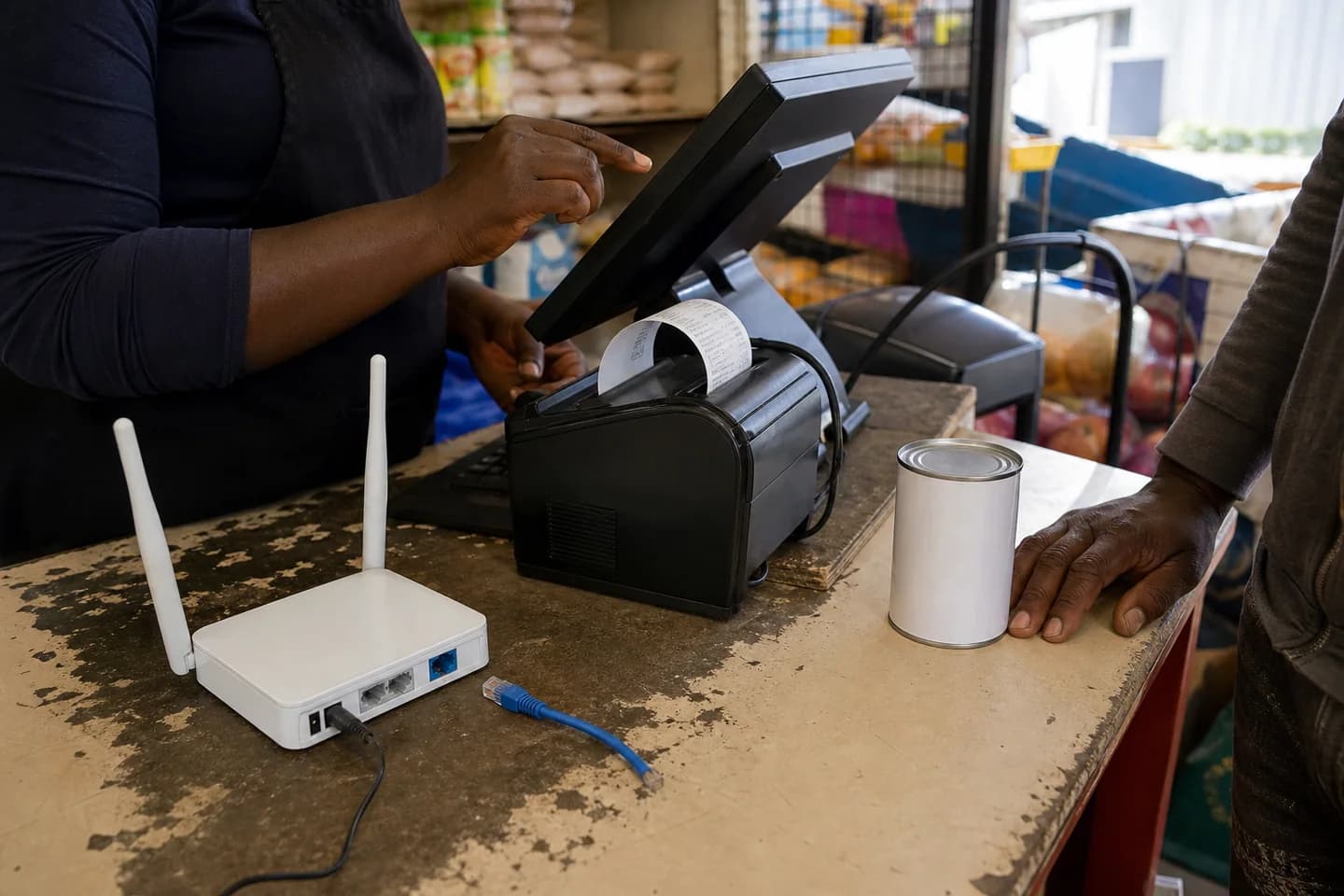
Offline POS is not a yes-or-no feature. Make the supplier prove which actions continue, how devices avoid duplicate records, what happens when they reconnect, and how management sees the last safe sync.
Define the minimum trading day that must survive
Write the actions that cannot stop when connectivity does. For most counters that means finding an item, confirming a price, ringing a sale, recording the payment and producing a receipt. Your list may also include customer credit, discounts, returns, stock lookup or opening a second till.
Anything outside that list can wait for connectivity only if staff know it will wait. Hidden limits create improvised notebooks and duplicate entries at exactly the moment control is weakest.
Disconnect the demo and run the awkward transactions
Do not watch a prepared animation. Put the device into the same disconnected state your branch experiences and use your products, payment methods and permissions. Ring two sales on separate devices, return one item, change a quantity and attempt an action the cashier is not allowed to perform.
A useful test records the receipt numbers and timestamps so you can trace them after reconnection. It should be clear which screen is showing live central data and which is showing the last safely stored local position.
Take this checklist into the demo
- Sell and print a receipt
- Use cash and a non-cash payment method
- Attempt a return or correction
- Sell from two devices during the same outage
- Try a manager-only action as a cashier
- Record the last-synced time before reconnecting
Inspect the queue before reconnecting
The system should make pending work visible. Staff need to know whether a sale is safely stored, still waiting or needs attention. A silent spinner is not an operating control.
Ask what happens if the device closes, loses power or reconnects briefly. The answer should distinguish saved local records from events that never completed.
Reconnect and trace every event once
After connectivity returns, follow each receipt into sales, stock, payments, customer balances and reporting. Confirm that nothing appeared twice, sequence-sensitive events kept their order and any conflict is visible to a named role.
Ask the supplier to explain conflict handling in plain language. If two branches change the same product or customer while disconnected, the business needs a predictable rule and an exception queue—not a quiet overwrite.
Safe offline software preserves the event first, then makes uncertainty visible instead of guessing silently.
Check the controls around offline trade
Offline continuity should not suspend permissions, price controls or audit history. Ask whether local access expires, who can approve discounts, how receipt ranges are controlled and which actions are intentionally unavailable offline.
Management also needs an operational view: which sites are connected, when each one last synced and whether any queue requires attention. That turns connectivity from a surprise into something the business can manage.
Straight answers before you commit.
Can POS software work completely without internet?
Core selling can be designed to continue locally, but some actions may require a live service. The correct question is which exact workflows continue, for how long, on which devices and how they synchronise afterwards.
How do I test an offline POS?
Disconnect the real demo device, run normal and awkward transactions on more than one device, inspect the pending queue, reconnect and trace every event into stock, payments and reporting exactly once.
Does Corelith Sell work offline?
Corelith is built for offline continuity in selling and core workflows. The exact offline scope for a customer's devices and process is confirmed during onboarding and should be demonstrated before rollout.